

Using CRM Test Workflows to Reduce Coaching No-Shows and Improve Retention
Run CRM test workflows that simulate client journeys to catch scheduling gaps, fix automation before it affects bookings, and reduce no-shows to improve retention.
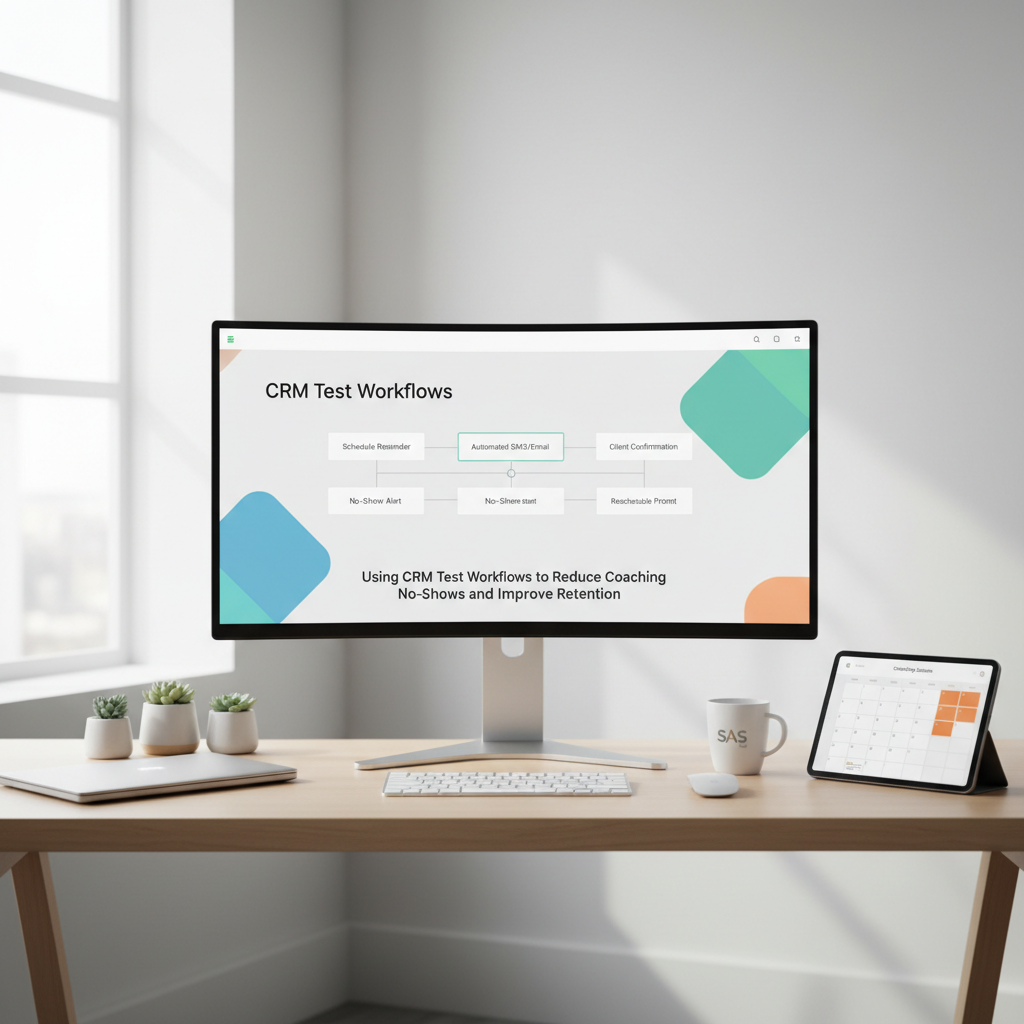
Coaches lose time and revenue when appointments fall through and automation doesn't behave as expected. Running systematic CRM test workflows helps you simulate client journeys, catch scheduling gaps, and fix broken automations before they affect bookings and retention.
Why running a test workflow matters for coaching businesses
A single missed reminder or a broken scheduling link can be the difference between a retained client and a lost one. Test workflows let you walk through every touchpoint a client experiences - from intake and booking to session reminders and post-session follow-ups. By validating each step, you reduce the risk of no-shows, deliver consistent client experiences, and protect your revenue.
Build a simple checklist for CRM test workflows
Start small and iterate. A practical checklist keeps tests repeatable and helps your team track fixes. Key items to include:
- Confirm intake form submission triggers correct client record creation
- Verify booking links open the right calendar and available slots update
- Check automated confirmation emails include correct session details and coach name
- Test reminder sequences (24 hours, 1 hour, 15 minutes) and SMS delivery if used
- Confirm rescheduling and cancellation flows update client records and free slots
- Validate post-session follow-ups and next-step automations (invoices, homework, NPS surveys)
Run this checklist after any CRM change, integration update, or major campaign launch.
How to simulate realistic client journeys
Use test accounts that mirror real client profiles: different time zones, payment statuses, and plan types. Create scenarios for common edge cases, such as:
- Clients who never open emails and rely on SMS
- Clients who reschedule multiple times
- Clients with timezone differences that could cause scheduling confusion
- Clients who pay on invoice rather than through instant payment links
For each scenario, run the checklist end to end. Track whether automations fire in the right order, whether calendar slots free up on cancellations, and whether follow-ups correctly reference the latest session.
Tools and techniques to catch hidden scheduling gaps
A few tactics make tests more effective:
- Use email and SMS sandboxing: send messages to test addresses and phone numbers so you can inspect content and links safely
- Record screen flows: capturing a test booking or cancellation exposes UX friction you might miss in logs
- Leverage logging and timestamps: ensure your CRM records when automations trigger and compare those to expected times
- Toggle feature flags or staging environments: test changes in a mirrored environment before rolling them out to live clients
Combine these techniques to find timing issues, broken links, or misrouted messages that lead to no-shows.
Fixing common automation problems uncovered by tests
When a test reveals an issue, follow a structured approach:
- Reproduce the problem consistently with a test account. Document exact steps and expected versus actual behavior.
- Check trigger conditions and filters. Many failed automations are caused by incorrect rules that exclude valid clients.
- Review templates and merge fields. Missing or wrong merge fields often produce confusing reminders.
- Validate calendar integrations and buffer rules. Overlapping buffer settings or mismatched calendar integrations can block available slots.
- Patch the automation and run the full checklist again to confirm the fix.
Keep a changelog of fixes and who made them so you can trace regressions and maintain accountability.
Measuring impact: how tests tie to retention and revenue
Link test workflows to measurable outcomes to justify ongoing effort. Track metrics such as:
- No-show rate before and after implementing tests
- Session booking completion rate
- Time between booking and session (to catch long delays that increase drop-off)
- Client retention at 30, 60, and 90 days
- Revenue per active client
Small reductions in no-shows compound over time. For example, improving reminders and fixing scheduling gaps by even 10 percent can recover dozens of sessions a year for an active coaching practice.
Getting started with CoachlyCRM features
If you use CoachlyCRM, leverage built-in tools like session scheduling, goal tracking, and automation workflows to create testable client journeys. Use coaching notes software to validate that session data syncs properly and that follow-ups reference accurate progress. Automate test reminders and use a dedicated test client folder to keep sandbox data separate from live records.
Conclusion
Test workflows are a low-effort, high-impact habit for coaching businesses. By routinely simulating client journeys, catching scheduling gaps, and fixing automations before they affect bookings, you reduce no-shows and improve client retention. Start with a simple checklist, simulate realistic scenarios, and measure the impact to keep your coaching practice running smoothly.